

What is it?
With growing interest in new immersive entertainment platforms like Virtual and Augmented reality, 3D photos on Facebook, 360° videos on YouTube and more, it can be hard to understand the nuances and differences between all of these different photo and video technologies, and even harder to know where to start if you’re someone who wants to create something new.360° Photos and Videos
Let’s start with one that’s been around for a couple of years now. 360° (and 180°) photos and videos capture a scene from a single point in space, but do so in a way that allows them to capture the entire scene around that single point. You can think of this as an extension of panoramic photos – instead of just capturing an image of a large stretch of landscape, a 360° photo captures the whole landscape, including the sky and ground. You can capture 360° photos (also known as photospheres) using your phone and various different applications like Google Street View. 360° videos require the use of a special camera or camera setup like a multiple Go-Pro rig so that all of the image is in-frame at a time. After capturing 360° film, it is edited in similar ways to traditional film, though any setup with multiple cameras does sometimes require editing so that seams (or stitch lines) between the cameras are invisible. There are also additional issues with 360 – when there’s no such place as behind the scenes, you may have to find a creative place to hide equipment and crew while shooting. There are many ways to view 360° films and videos – from social media and YouTube, to various virtual reality platforms. The biggest limitation of this medium is that you are limited in your ability to control or move around the scene. You are limited to wherever the film-maker decided to place the camera. You can look around, but only as much as you would be able to move around in a swivel chair bolted to the floor – something that is inherently limiting the level of immersion a viewer can feel.Stereoscopy
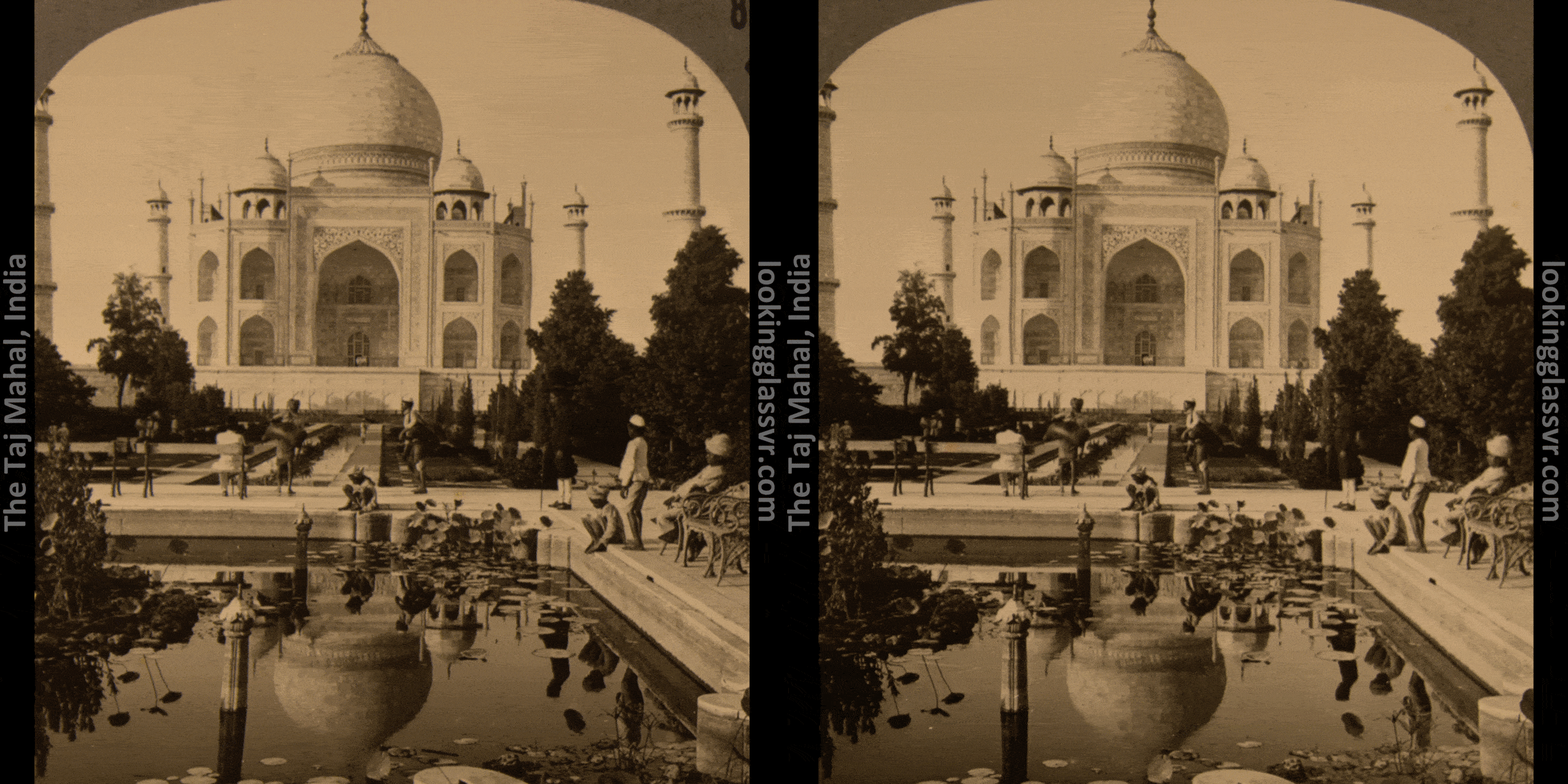
Stereoscopy refers to technologies that mimic how human vision works to create depth perception in a scene. We perceive depth with a variety of visual cues and information, but a primary part of how we sense depth is our brains processing the information from two eyes – since they are at two different positions, near objects can appear in vastly different positions to each eye, where far objects appear to be in virtually the same spot. You can try this concept out very easily – hold up a finger close to your face, and alternate eyes – the finger appears to move. If you move it further away, it appears to move much less. Our brains synthesize this information and use it to help us determine distance and help us perceive the 3D world.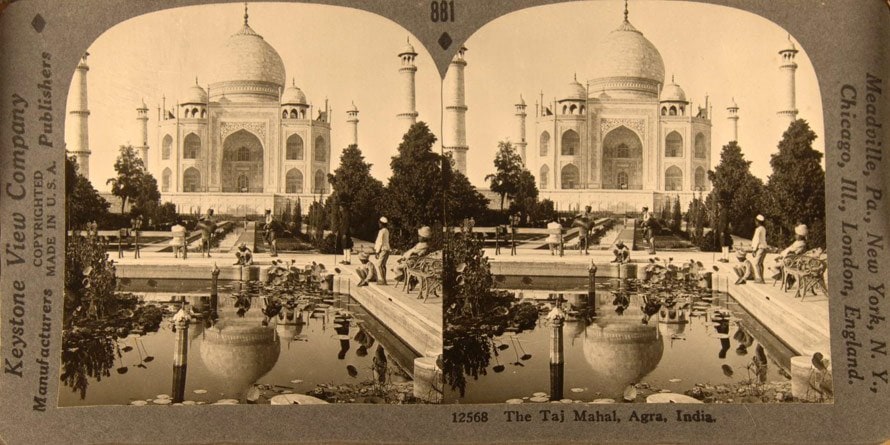 Source: lookingglassvr.com
 Source: lookingglassvr.com
Volumetric Capture and Film
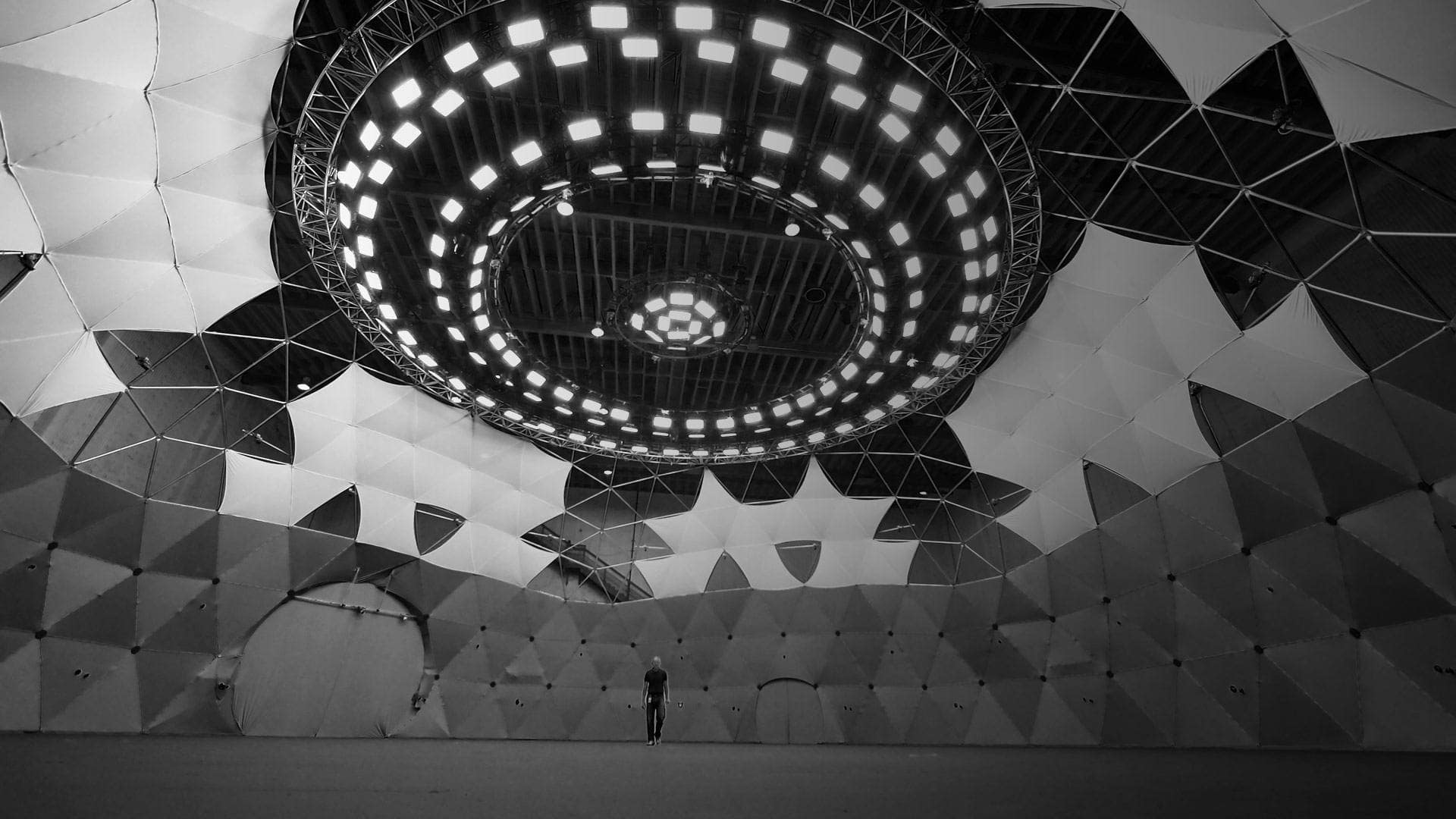
We have discussed Volumetric Capture here previously – discussing our showcase at the 2018 Sundance Film Festival, but it’s worth going into further and talking about what exactly it is, and more importantly, how you might get started. Similar to 3D scanning, Volumetric Capture involves capturing objects and people in their entirety, with both depth and from every angle. The difference here is that while 3D scanning (and the related Photogrammetry) is static, and can be done using just one camera moving around a space or object, Volumetric Film is video, so objects and people have to be captured in real time. This means that many cameras need to be used – placed all around the subjects of the film, to capture them from every angle.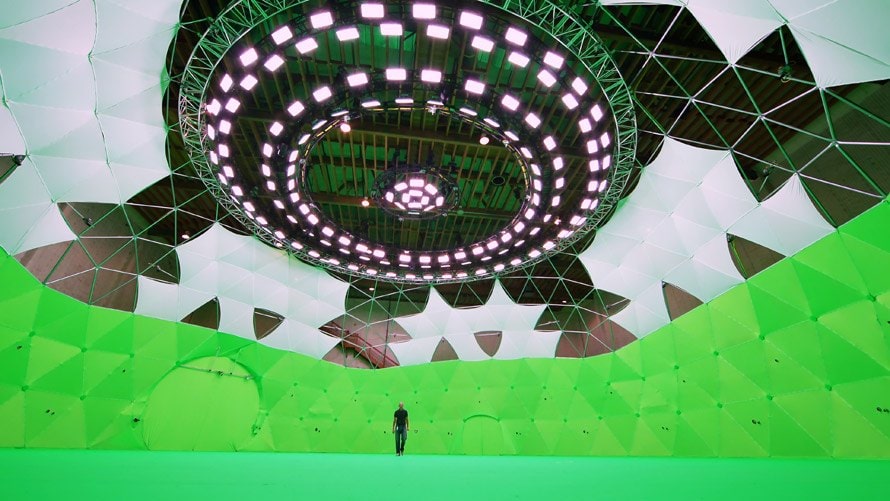 Intel Studios
Volumetric Capture with RealSense Technology
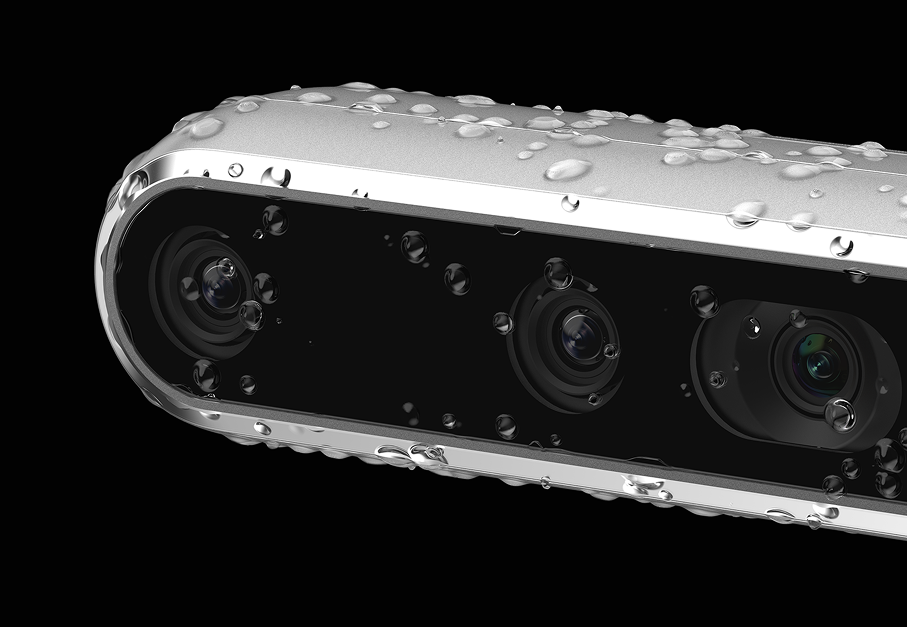
The second way you can create Volumetric Film content is using depth cameras placed around a scene. Depending on the size of the scene or person you are trying to capture, as few as 6-10 cameras can give good results. The addition of depth information means that you don’t need as many cameras as you would if you were using traditional 2D cameras. It’s also possible to generate a preview of captured data much more quickly since less post processing is necessary. Using RealSense Depth Cameras for Volumetric Capture does require a few different things – the cameras must be positioned around the subject or space so that everything is within view of at least one camera – you can only capture what is within the line of sight of at least one camera. Secondly, the cameras need to be synced together, so that each camera is capturing the same frame at the same time. Finally, along with a reasonably powerful PC to hold the data, you need some specialized software. Currently, DepthKit, Evercoast and Jaunt all offer support for volumetric capture with RealSense D400 series depth cameras. Each has their own different setup requirements and output formats, and the choice between them depends on your target use case and project goals.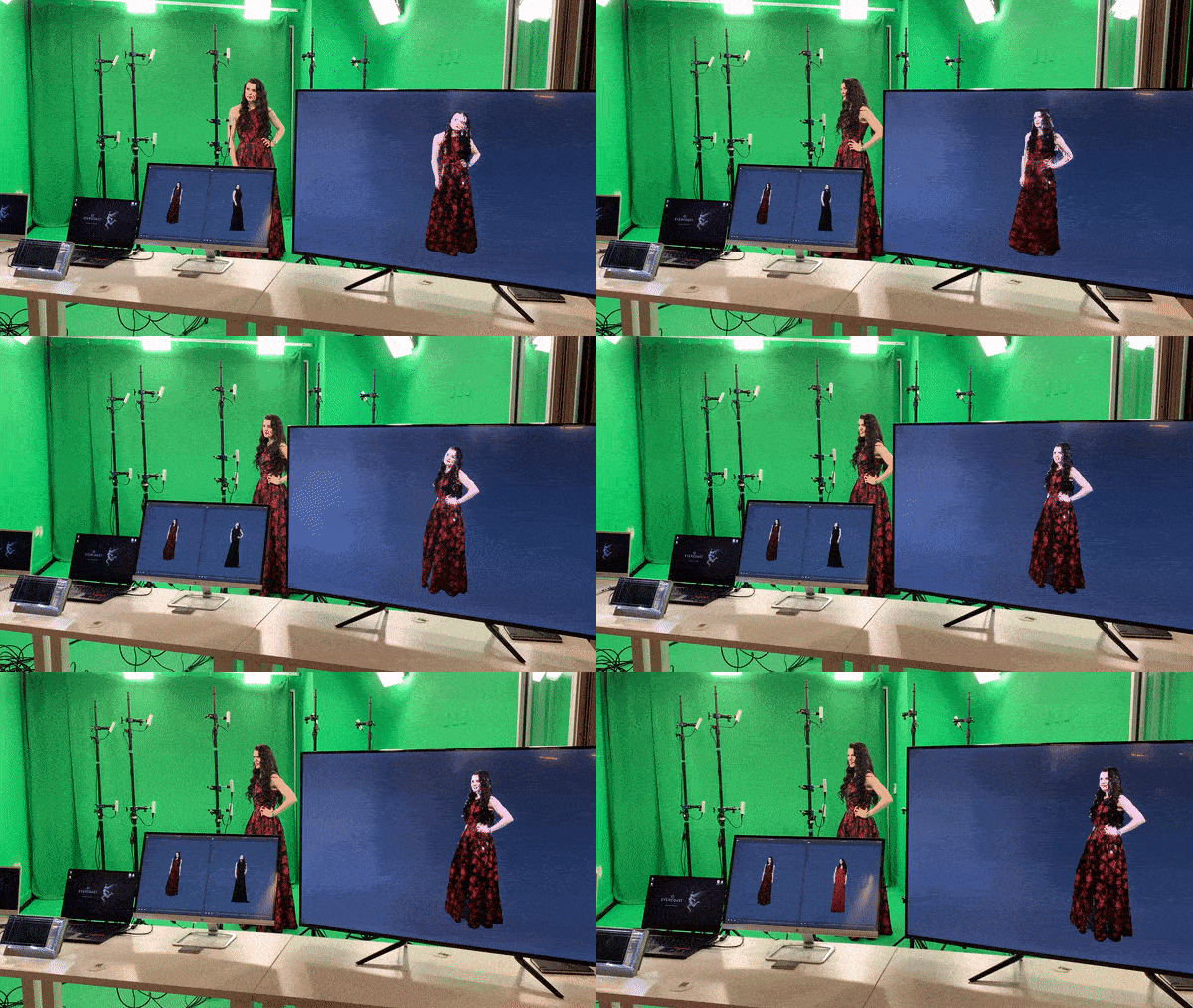 Courtesy Evercoast Studios